

- CAD offers absolute and relative coordinates at the tip of the curser.
- Impeccable drawing tools to create shapes and objects at once, without much effort.
- Snaps, constraints, and modifiers like additional features can give you immense precision and speed in drawings that you cannot imagine with paper or print drawings.
- The layer feature is awesome and offers designers comfort without cluttering the drawings while working on different aspects including, plans, floors, walls, elevations, electricity, plumbing, and others.
- Symbols are ready to use and save you from repetitions and missing standards in your drawings.
- APIs allow you to add plug-ins and 3rd party software to extend your CAD conversion capabilities in terms of features and functionality.
- Cloud storage is the safest option from the loss of files or impacts of disasters.

Needs of CAD Conversion Services

Our Comprehensive Range of CAD Conversion Services

Paper to CAD Conversions
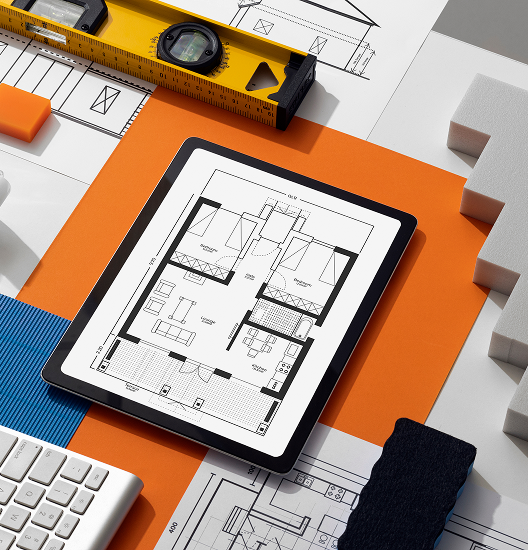
With time, paper drawings, blueprints, and plans start to blur. This causes confusion for teams and clients when trying to understand the product or project scope. Archiving also becomes unreliable, since old sketches are often needed for future reference. Therefore, paper drawings to CAD migration becomes essential. At Shalin Designs, you can hand us your paper drawings and we’ll convert them into precise CAD files. These digital versions can be reused endlessly, preserving your ideas and technical details without the risk of fading.
Are your old drawings no longer giving you the correct estimations? It’s time for you to have paper to CAD conversion services.

PDF to CAD Conversion
Not all PDF files are editable or easy to edit. Even though they are easy to share and considered a secure option to view across devices, PDFs come with their set of limitations. It can be used for reference, but for editing purposes, it needs to be converted into an easy-to-edit file. Our experts provide PDF to CAD conversion services, keeping your details intact. For editable and high-quality results, you can also opt for our PDF to AutoCAD or Revit conversion services.

Image to DWG Conversion
Several designs that can be seen in photographs, hand sketches, or scanned diagrams cannot be used in their raw form. Therefore, our Scan to CAD conversion services transform scanned blueprints, sketches, or images into detailed DWG files. This is valuable as various industries require editable data.

2D to 3D CAD Conversion
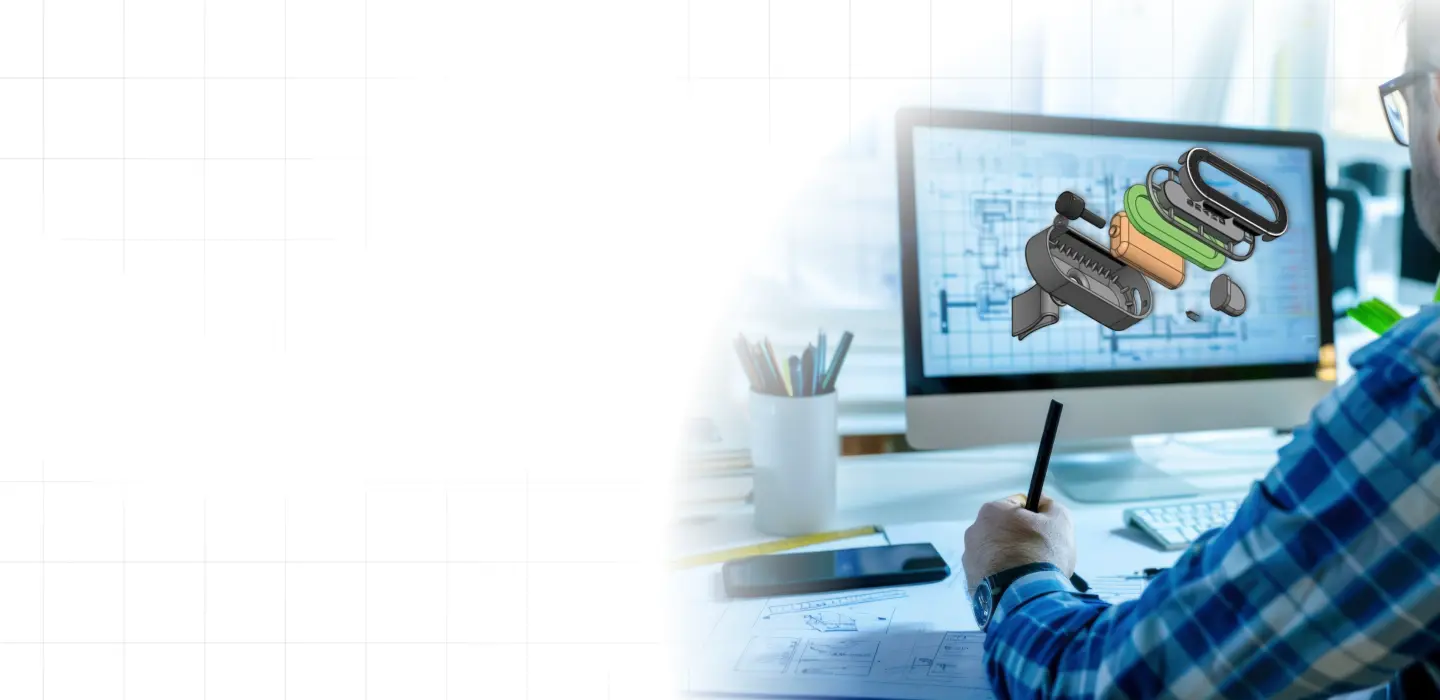
To communicate the design intent, 2D CAD drawings were used. It lacked depth and functional clarity as these were flat drawings. The 2D to 3D CAD conversion services transform two-dimensional plans into intelligent three-dimensional digital models that bring concepts to life. The 3D models improve the communication between stakeholders.

AutoCAD Conversion Services
Teams working on global projects often exchange files created in multiple software platforms. Without proper conversion, errors, misalignments, or data loss may occur. AutoCAD conversion ensures that all files, regardless of origin, become accurate and usable within AutoCAD or other modern CAD platforms. We handle a variety of conversion needs, including AutoCAD to Revit, Revit to AutoCAD, or DWG, ensuring smooth compatibility between different platforms.

Legacy Drawings to CAD Conversion
Businesses that have decades of design records face difficulties in managing the legacy drawings. These paper blueprints, or outdated CAD files, are significant but incompatible with modern systems. It requires paper to CAD migration services that ensure drawings are secured digitally, structurally maintained, and standardised. This approach ensures that the historical data continues to support current project design requirements.

CAD to Microstation
Seamlessly convert your AutoCAD designs to MicroStation formats with high accuracy. Our conversion services ensure your drawings are fully optimized for MicroStation, preserving all critical data and design integrity.

CAD to SolidWorks
Unlock advanced modeling capabilities by converting your CAD files to SolidWorks. With precise conversions, we help you transition your designs for enhanced 3D modeling and simulation in SolidWorks.

PointCloud to CAD
Transform your 3D laser scan or point cloud data into fully editable CAD models. Our PointCloud to CAD conversion ensures precise design and accurate representation for construction, engineering, and design projects.

CAD to Revit Conversion
Elevate your design process with our CAD to Revit conversion service. We carefully transform your 2D CAD drawings into intelligent, fully coordinated Revit models that feel alive. Every tweak in 2D updates instantly in 3D, giving you clearer insight, sharper accuracy, and smoother teamwork. Bring your projects forward with a smarter, more human-focused approach to building design.
Powered by Industry-Leading CAD Tool


Industries We Serve
Architecture & Construction
Mechanical & Manufacturing
Civil & Structural Engineering
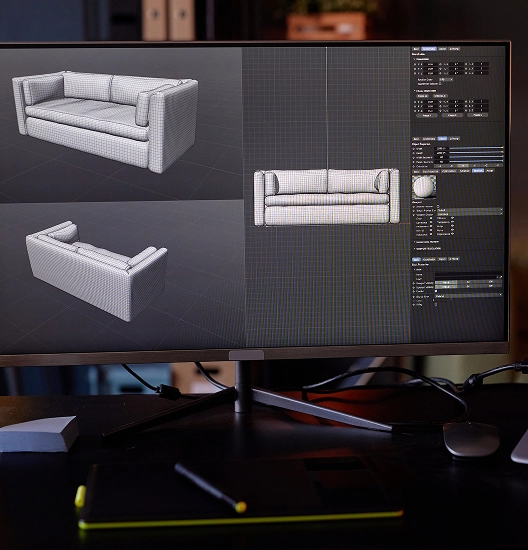
Interior Design & Furniture Modeling
Product Design & Prototyping
Advantages of CAD Conversions with Shalin Designs
High Accuracy Standards
Our skilled team ensures that every converted file is 99.9% accurate. This means you are worry-free about any missing details or measurements.
Cost and Time Efficiency
With easy-to-use and manage CAD files, we save your time and eliminate the unnecessary expenses of the rework process.

Layer Management and Compliance
Shalin Designs organizes your CAD files according to your specific guidelines and relevant industry standards. This makes your drawings always compliant.
Data Confidentiality
All your files stay secure with us. We sign a non-disclosure agreement (NDA), so your information is always kept confidential.
High Accuracy Standards
Our skilled team ensures that every converted file is 99.9% accurate. This means you are worry-free about any missing details or measurements.
Layer Management and Compliance
Shalin Designs organizes your CAD files according to your specific guidelines and relevant industry standards. This makes your drawings always compliant.
Cost and Time Efficiency
With easy-to-use and manage CAD files, we save your time and eliminate the unnecessary expenses of the rework process.
Data Confidentiality
All your files stay secure with us. We sign a non-disclosure agreement (NDA), so your information is always kept confidential.
With proven techniques and modern software tools, we provide clients with the reliable solution they are looking for. Are you ready to improve your workflow? Get our CAD conversion services today.
Our CAD Conversion Workflow
At Shalin Designs, we follow a clear and stepwise process to ensure that all the projects are delivered on time and with the highest standards.

File Assessment & Requirements Gathering
First, we would go over the project requirements together and look over the different file types you will send us. This would help us figure out how much work there is to do. At this point, we would discuss delivery formats and briefly explore the types of conversions that can be done. We would then make the outline based on that.
Manual Drafting or Software-aided Conversion
In this stage, we begin preparing the conversion. Depending on the project complexity and file type, we use either manual drafting methods or software-assisted tools. We keep the approach flexible as it allows us to use the best method possible for each project.


Quality Checks & Client Feedback
After we finish the conversion, we do a thorough quality check. This means going over every part of the file with the original source. At this point, we send the converted files to clients so they can look them over. It’s important to get the client’s review because it lets us make sure the product is what they expected.
Final Delivery in Desired Format
Finally, at this stage, we deliver the CAD files in the client’s desired format. He receives the files that are ready to use immediately, without the need for additional editing or rework. The delivery marks the completion of a carefully managed process that focuses on accuracy, efficiency, and client satisfaction.

First, we would go over the project requirements together and look over the different file types you will send us. This would help us figure out how much work there is to do. At this point, we would discuss delivery formats and briefly explore the types of conversions that can be done. We would then make the outline based on that.
In this stage, we begin preparing the conversion. Depending on the project complexity and file type, we use either manual drafting methods or software-assisted tools. We keep the approach flexible as it allows us to use the best method possible for each project.
After we finish the conversion, we do a thorough quality check. This means going over every part of the file with the original source. At this point, we send the converted files to clients so they can look them over. It’s important to get the client’s review because it lets us make sure the product is what they expected.
Finally, at this stage, we deliver the CAD files in the client’s desired format. He receives the files that are ready to use immediately, without the need for additional editing or rework. The delivery marks the completion of a carefully managed process that focuses on accuracy, efficiency, and client satisfaction.